Must Have Options
ZOSI 4K PoE IP Camera H.265+ 8MP 5MP HDR Add-on Camera AI Human Detect 100ft Night Vision IP66 Outdoor Video Surveillance Camera
ZOSI 4K PoE IP Camera H.265+ 8MP 5MP HDR Add-on Camera AI Human Detect 100ft Night Vision IP66 Outdoor Video Surveillance Camera
Couldn't load pickup availability
SPECIFICATIONS
AI Functions: Human Detection
Alarm Action: Email Photo,Local Alarm,light alarm,Sound alarm
Alarm Type: Local Alarm,FTP Photo,Email Photo
Audio Output: Two Way Audio
BLC: Support
Brand Name: ZOSI
Camera security function 1: Motion Detection
Certification: CE,RoHS
Color Night Vision: Yes
Connectivity: IP/Network Wired
Features: Waterproof & Dustproof
Gain Control: Automatic
High Definition: 8.0 Megapixels
High-concerned chemical: none
IP Camera function 2: Humanoid detection
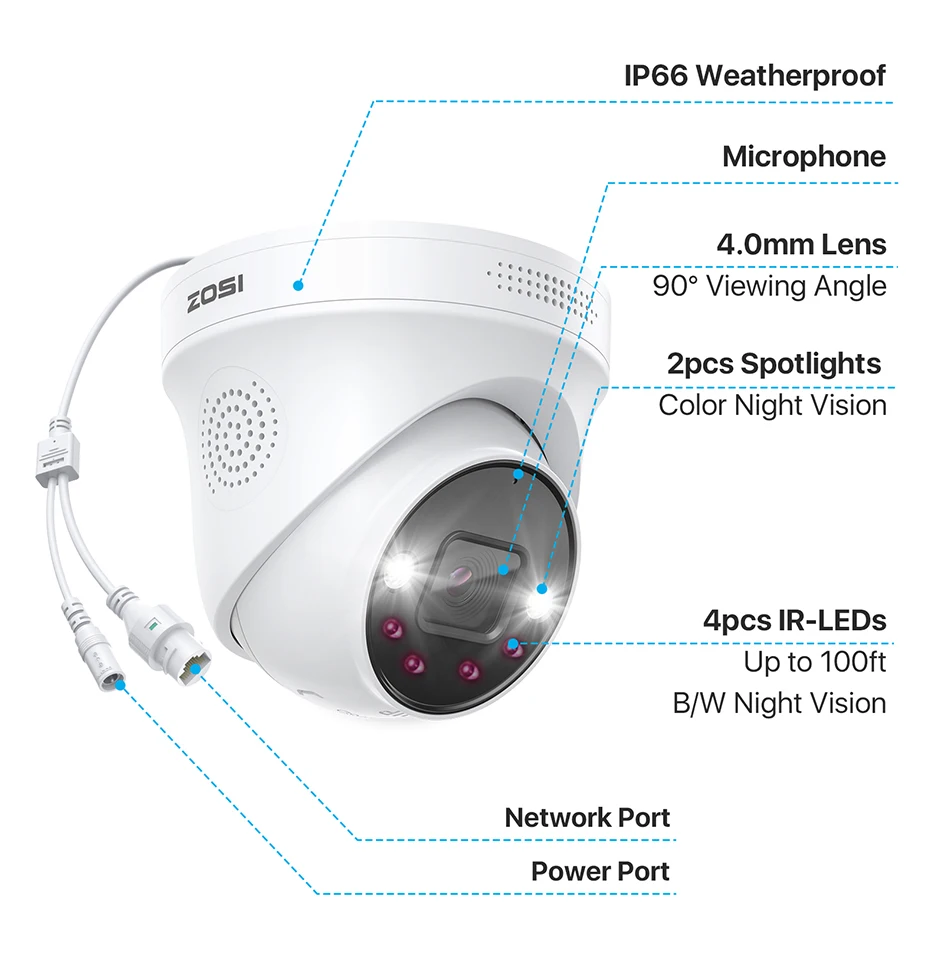
IP Rating: IP66
IR Distance(m): 100ft
IR-LED: 4 PCS
Installation: Ceiling,Side,Normal,Wall Mounted
Internal Storage: None
Lens (mm): 4mm
Lens Quantity: Single Lens
Megapixels: 5 MP
Model Number: C225
Origin: Mainland China
PoE Camera: Poe wired Camera
Power Consumption(W): 6W
Power Mode: Mains Electricity
Power Supply: With Poe
Protection class: IP66
Scene: Indoor and outdoor
Security Camera Pickup range: 10 M
Sensor: CMOS
Sensor Brand: Sony
Shell Material: Metal
Smart home platform: Other
Special Features: Waterproof / Weatherproof
Style: Dome Camera
Supported Mobile Systems: Windows Mobile,Android,iOS
Supported Operating Systems: No
TF Card: None
Video Compression Format: H.265
Viewing Angle : 90°
Whether or Not 50Vac or 75Vdc or Higher Power Supply: No
White Balance: Automatic
Zoom: 4X
Zoom type: Digital zoom

Only Compatible with ZOSI 4K PoE NVRs
1.This PoE add-on camera must be connected to a ZOSI 4K PoE NVR via an Ethernet cable to operate. It only work with ZOSI 4K PoE NVR models: ZR16HB, ZR08HN, ZR08SN, ZR16SK, and ZR16HK. It is not compatible with non-ZOSI PoE NVRs or any ZOSI DVR systems.
2.For optimal performance, it is recommended to keep your ZOSI Smart App and ZOSI PoE NVR updated to the latest version.
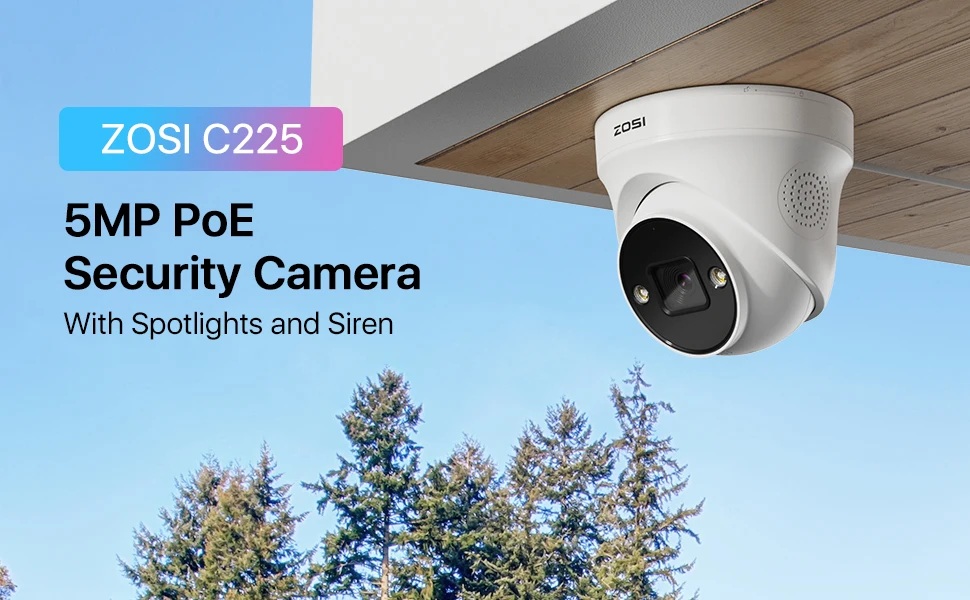
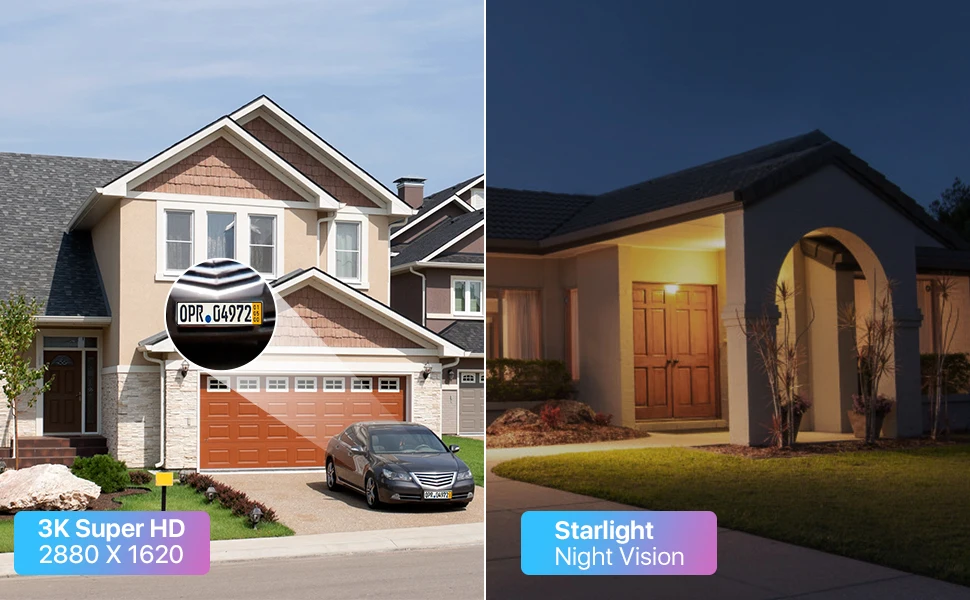
Paint the Night in Color
Illuminate the night with 2 powerful spotlights and a wide f/1.6 aperture, capturing ample light to reveal brilliant details in every scene.
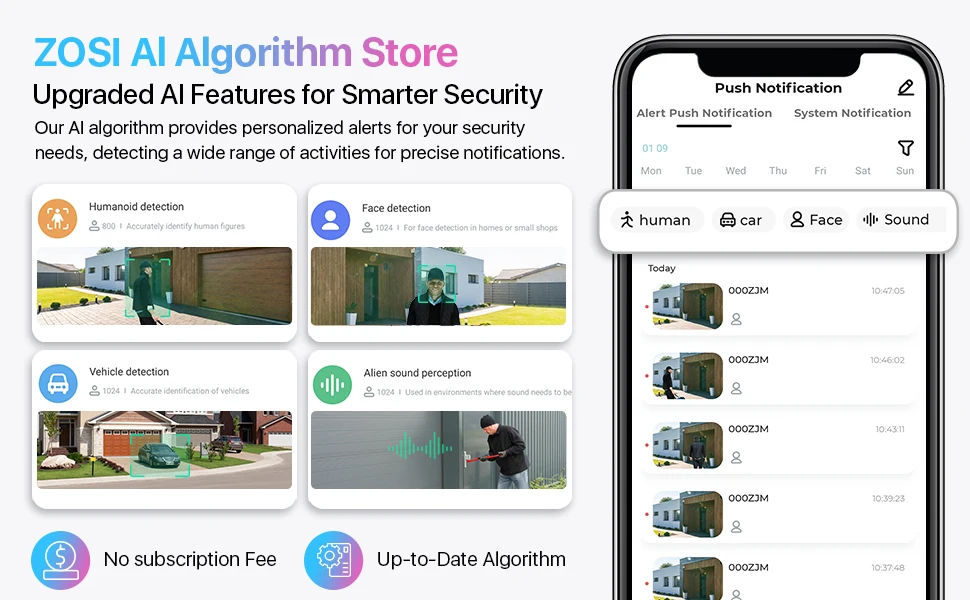
AI Face, Human, Vehicle, & Sound Detection
Thanks to C225's cutting-edge AI algorithm, you can customize this PoE camera to detect face, humans, vehicles, and sound for accurate and smart notifications, simply select the object detection mode you need on ZOSI Smart APP.
Connection and Working Methods
1. Standalone Use1
Connect your camera to a PoE switch or injectior.
Noted: not come with PoE switch/injectior and router.
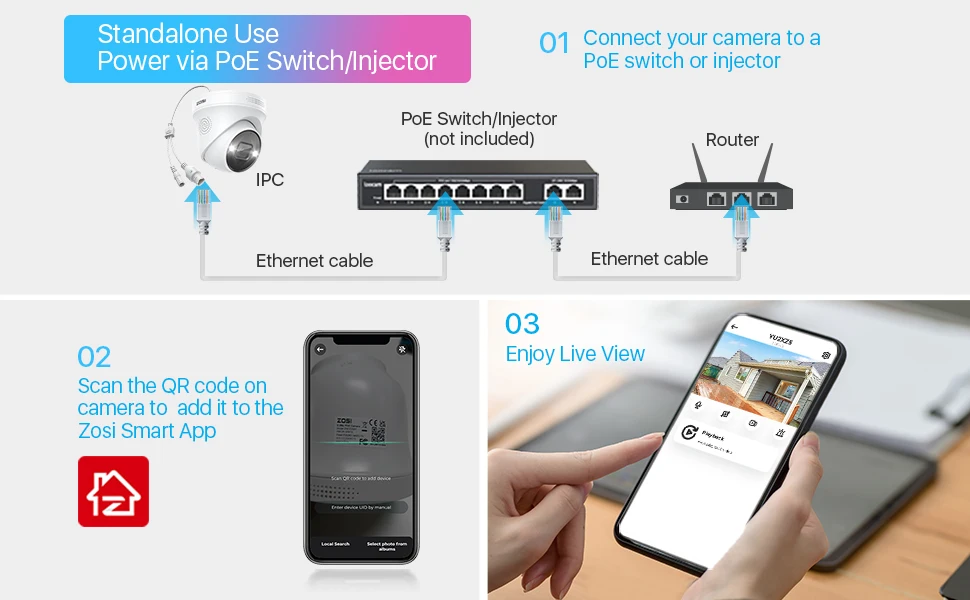
2. Standalone Use2
Plug in the camera and connect it to the router.
Noted: not come with power plug and router.
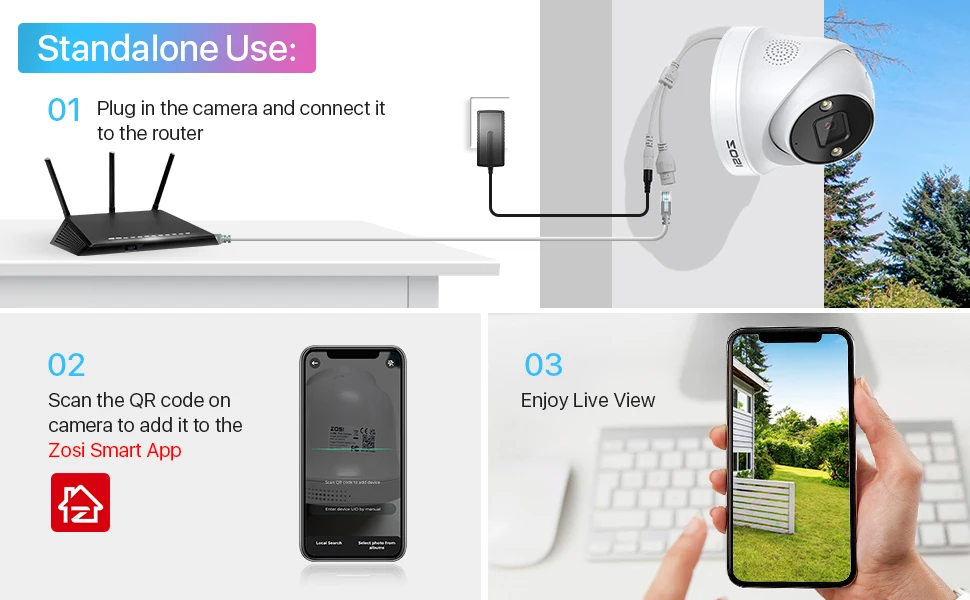
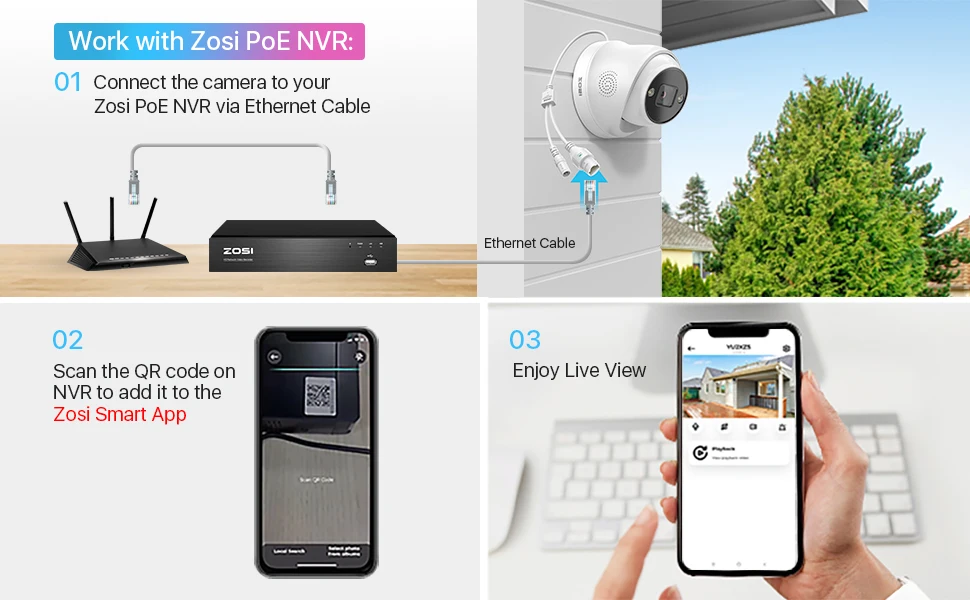
3.Work with Zosi PoE NVR
One Ethernet cable to transmit power, data and sound. Easy PoE installation can truly free you from messy and tiring cabling.
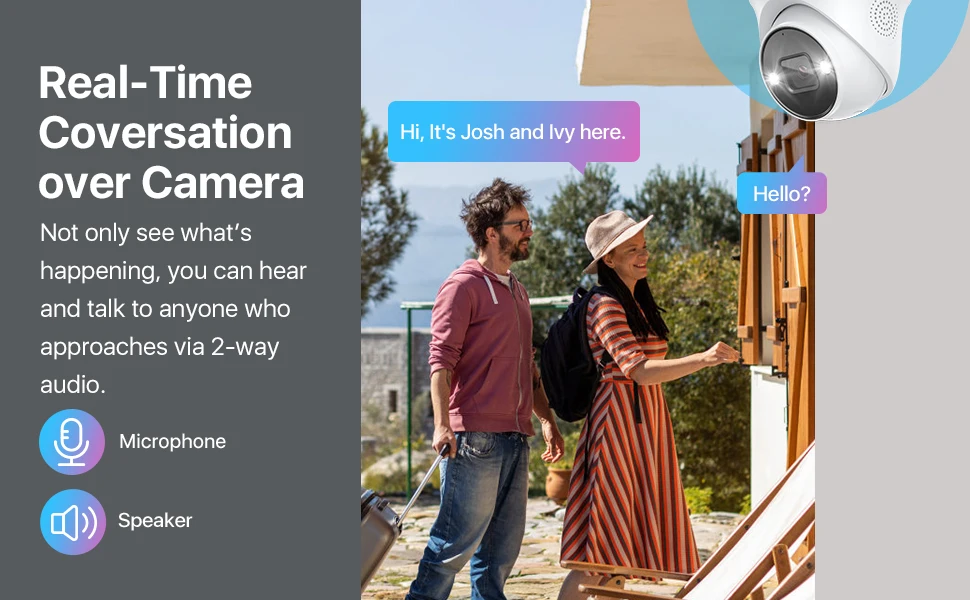
Real-Time Conversation
Not only see what’s happening, you can hear and talk to anyone who approaches via 2-way audio.
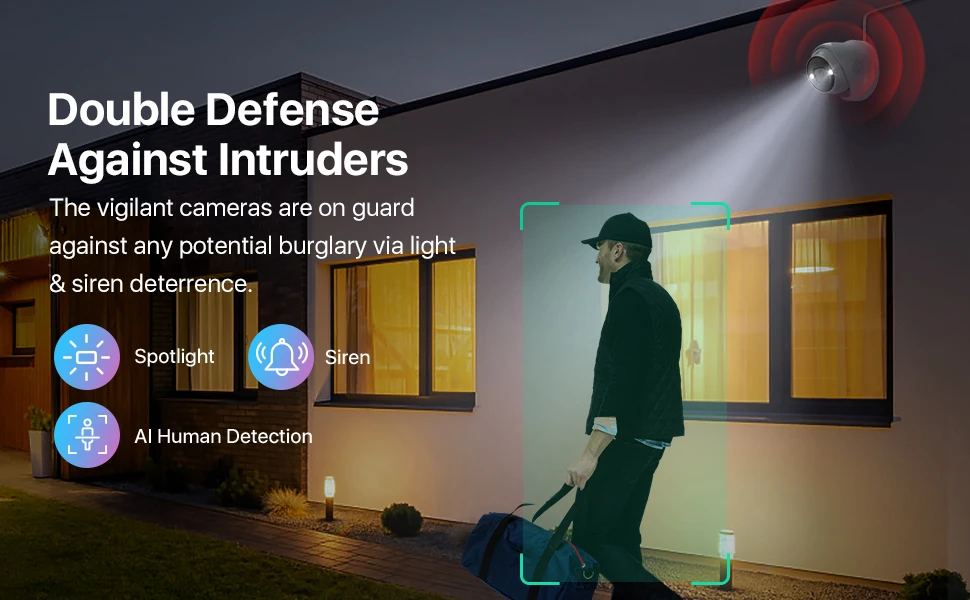
Double Defense Against Intruders
The vigilant cameras are on guard against any potential burglary via light & siren deterrence.
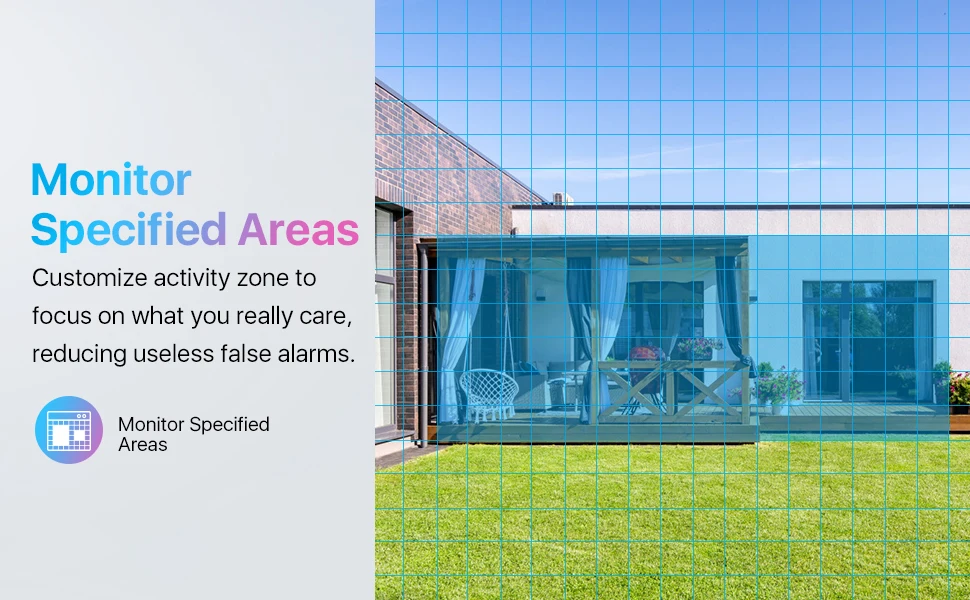
Monitor Specified Areas
Customize activity zone to focus on what you really care, reducing useless false alarms.
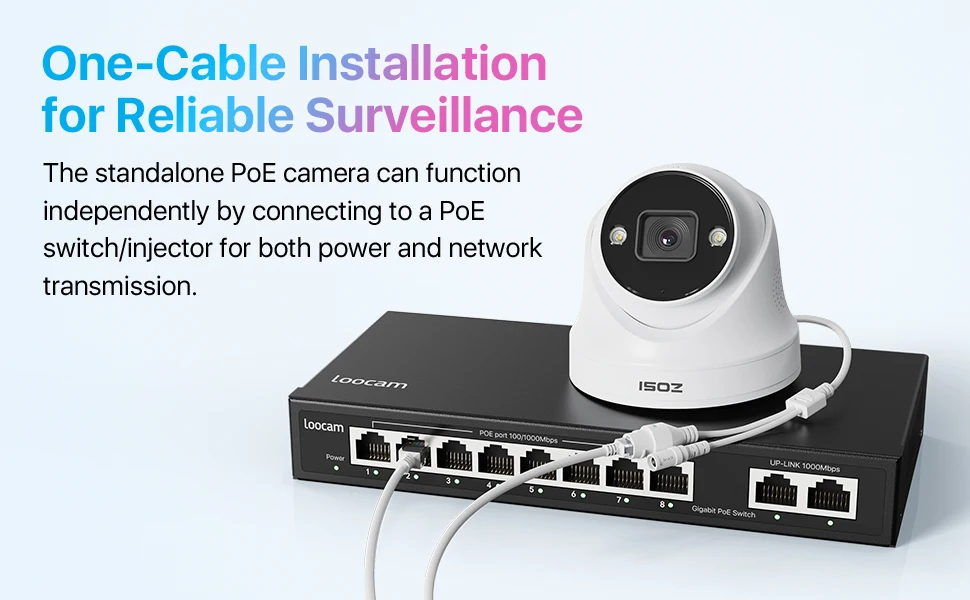
PoE Setup: One Cable does it All
One Ethernet cable for power, video and audio connection. Easy and reliable PoE installation can truly free you from messy and tiring cabling.
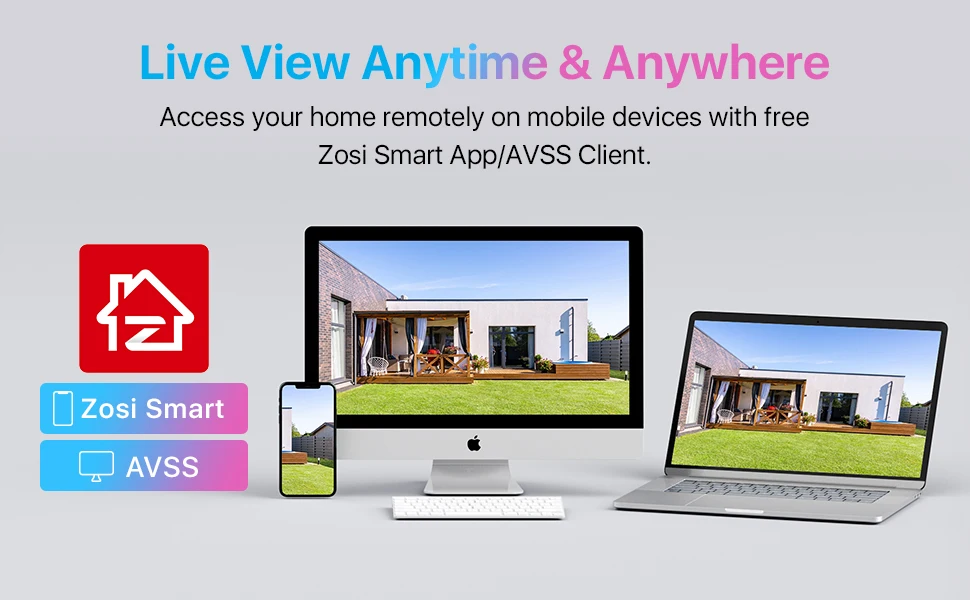
Live View Anytime & Anywhere
Access your home remotely on mobile devices with free Zosi Smart App/AVSS Client.
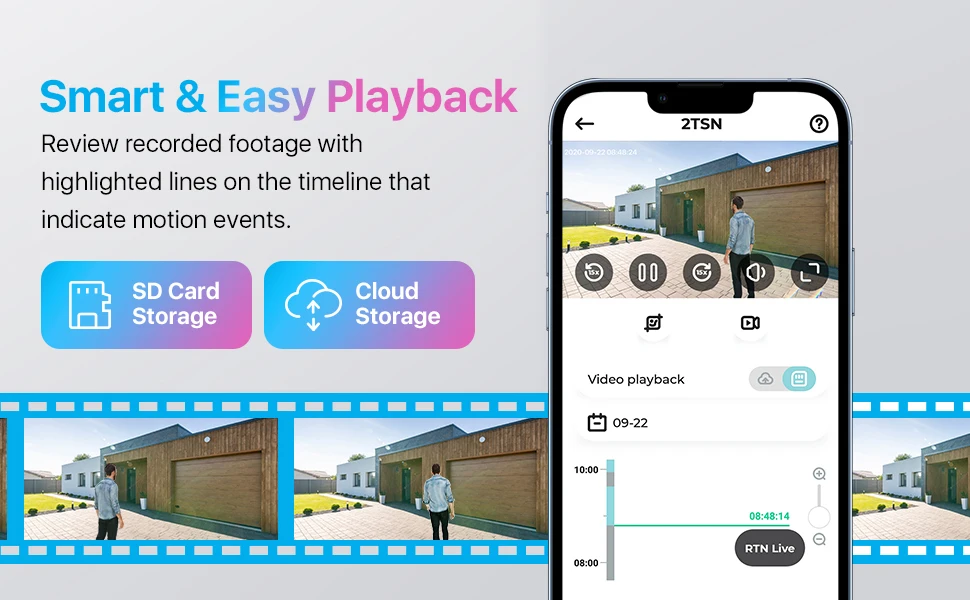
Smart & Easy Playback
Review recorded footage with highlighted lines on the timeline that indicate motion events.
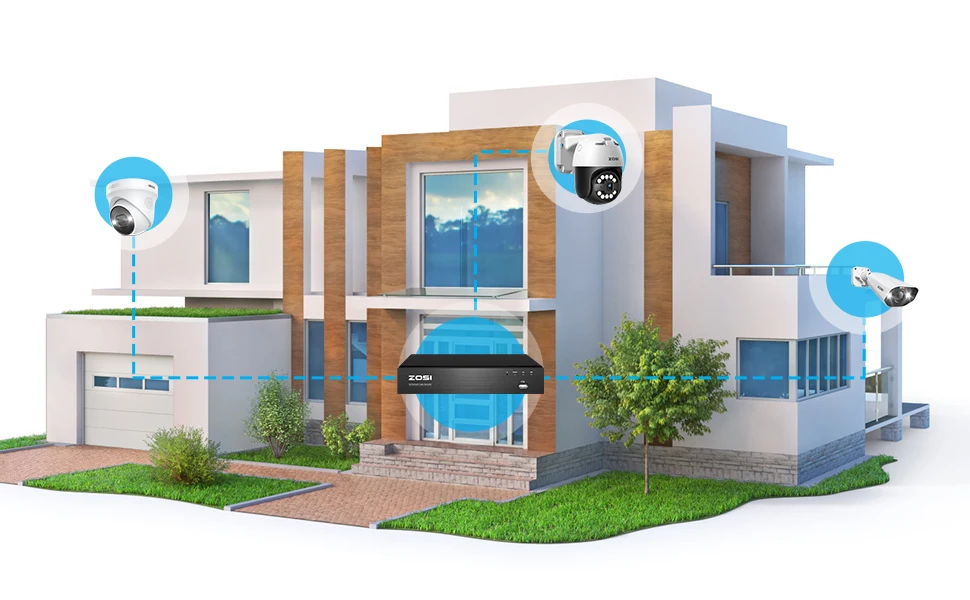
DIY Your PoE Security System
Customize your security camera kit by adding multiple cameras to your ZOSI PoE NVR, to protect everywhere in your home and business.
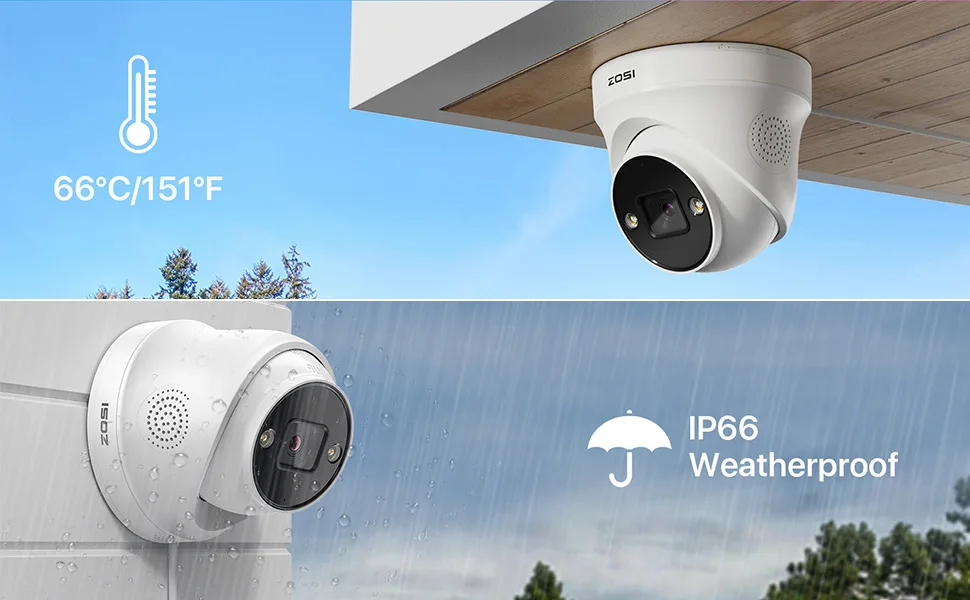
Perform Well in Any Environment
This camera is built to withstand any weather condition and its sturdy construction ensures its resilience in harsh weather conditions.
Q&A
Question 1: How to get the 4K 8.0MP resolution:
(1) Please make sure that your TV monitor is 4K or better than 4K resolution, and connect the NVR to your TV monitor.
(2) Setup the system, and go to Main Menu- Set up-Basic to change the "Video Output" to "3840 * 2160" manually.
Question 2: Why can't I hear audio when watching live on NVR?
1. The NVR can transmit audio only when the monitor/TV is connected via HDMI cable, otherwise the monitor/TV will have no sound output.
2. Click the right mouse button -Go to Main Menu- Set up - Click the audio, you can adjust the volume and select the channel to play the audio.
Noted:
The quality of the image is related to where you install this camera.
1. Better to install cameras in a position with a wide field of vision, and the best outdoor installation height is 4-8 meters.
2. The direction of the lens should avoid the angle facing the light source as much as possible.
3. The installation environment should avoid a high dust environment as much as possible.